GiftWeGo app for Android
Birthdays, name days, gift ideas and gift vouchers on your phone. The same account as on the web – what you add on your phone is on your computer too.
Free to download. For Android 7.0 and later.
What the app does
The whole Gift Manager in your pocket – plus the things that are most useful on a phone.
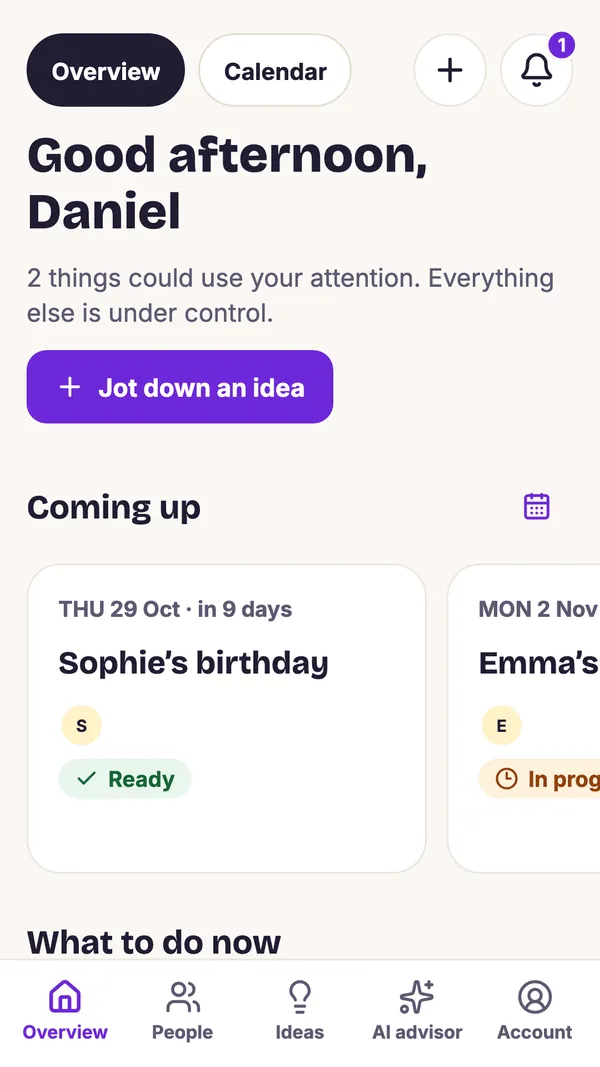
Overview and calendar
Upcoming birthdays, name days and anniversaries in one place, together with what needs doing next. Name days are filled in from the name.
People and ideas
A profile for everyone with interests, sizes and budget. Note an idea the moment it comes to you – even a link from an online shop via Share.
AI gift advisor
Gift suggestions based on interests and budget, with an explanation of why. Save the one you like to the person with a single tap.
Gift vouchers
Create a voucher right on your phone from more than 100 templates and download it as a print-ready PDF or an image to share.
Together with family
A shared household, surprise protection, a wish list and “I’ll buy it” reservations so nobody buys the same thing.
Reminders
Notifications before important days and before the date by which to order a gift so it arrives in time.
Celebrations
Plan a celebration; guests vote on the date via a link and confirm they are coming – no sign-up needed.
Privacy
You pick photos with the system picker, so the app does not need access to all your photos. Data export and account deletion are right in the app.
Take a look at the app
This is GiftWeGo on your phone – from the overview to a finished voucher.
-
Overview: what is coming up and what to do -
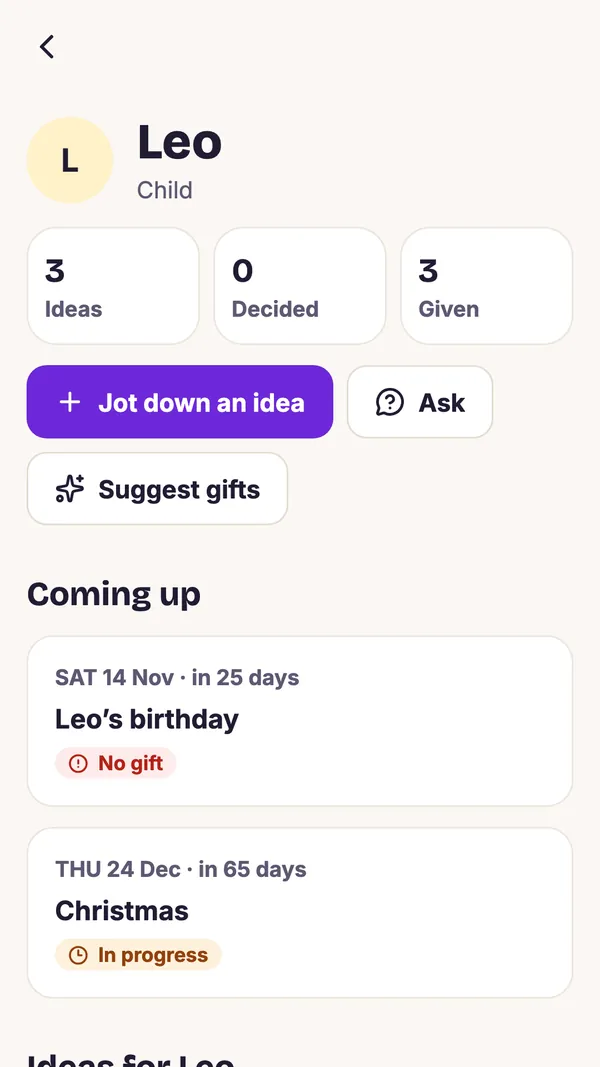
Every person with their ideas and events -
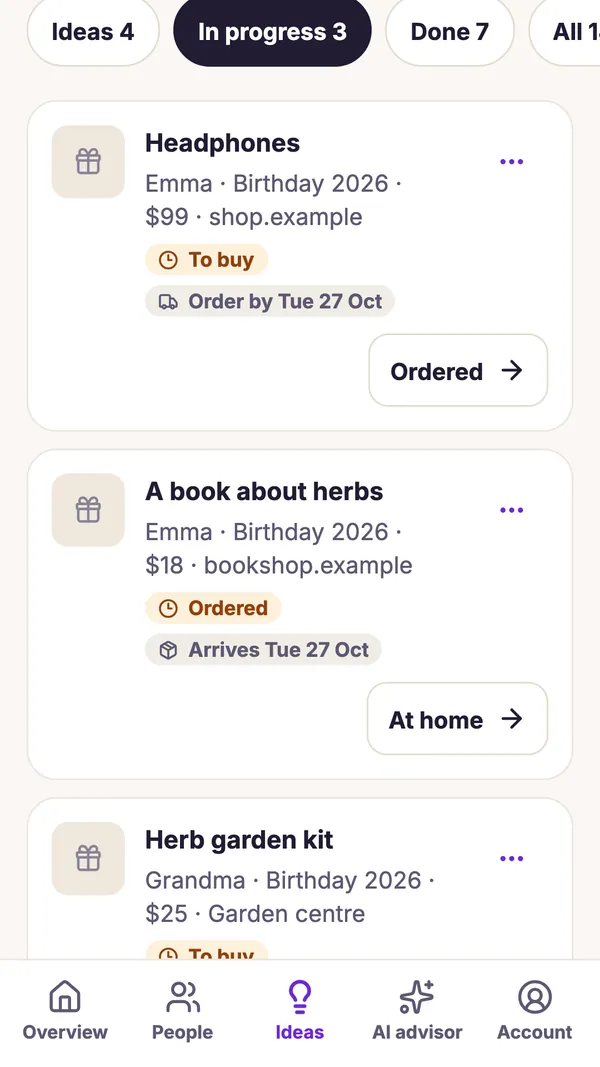
Ideas and delivery dates -
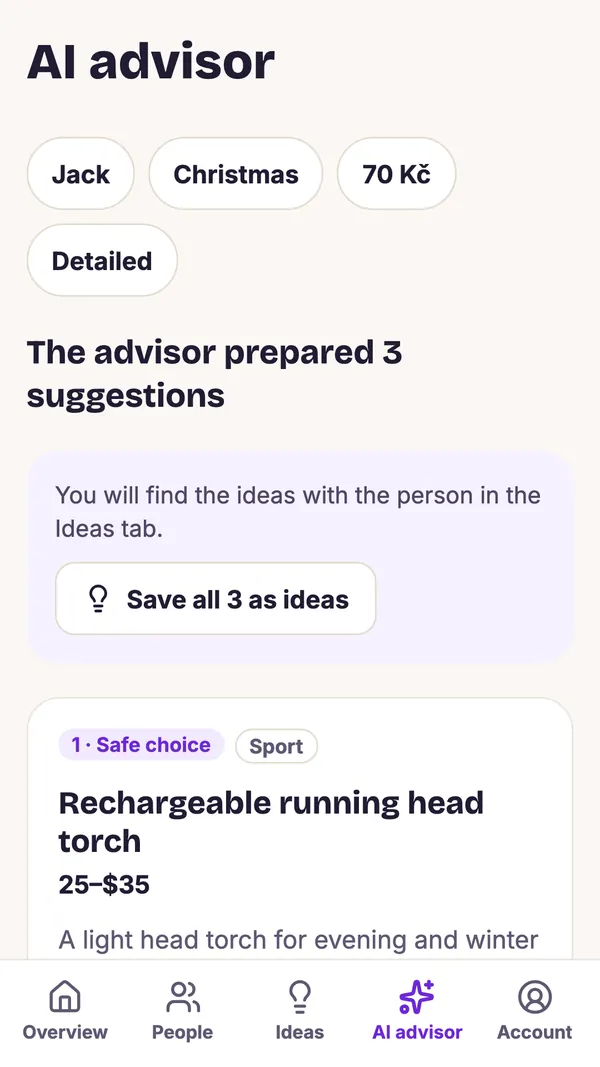
The AI advisor suggests gifts -
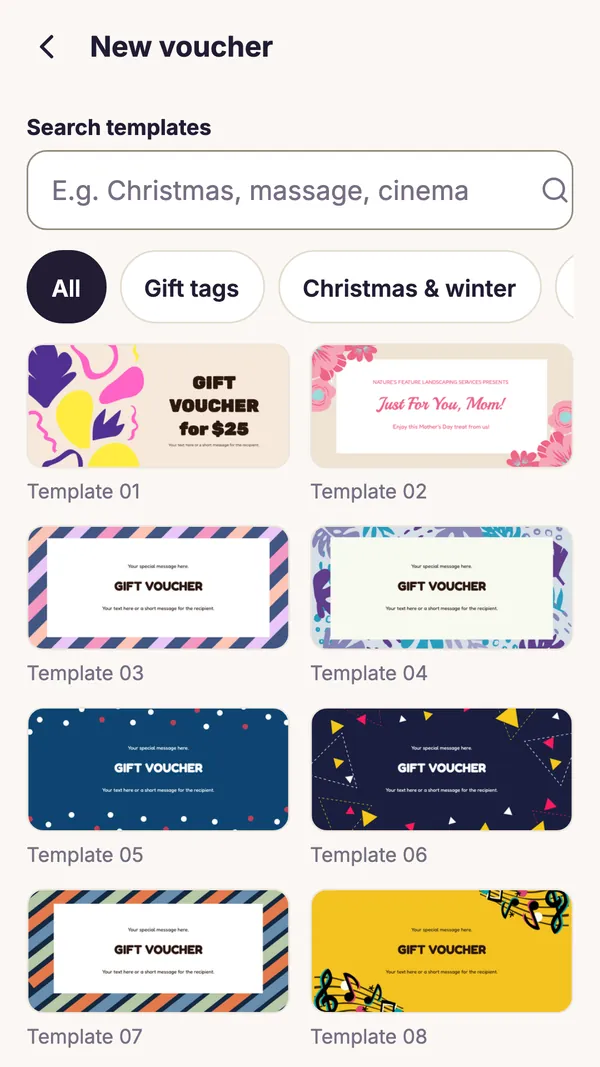
More than 100 voucher templates -
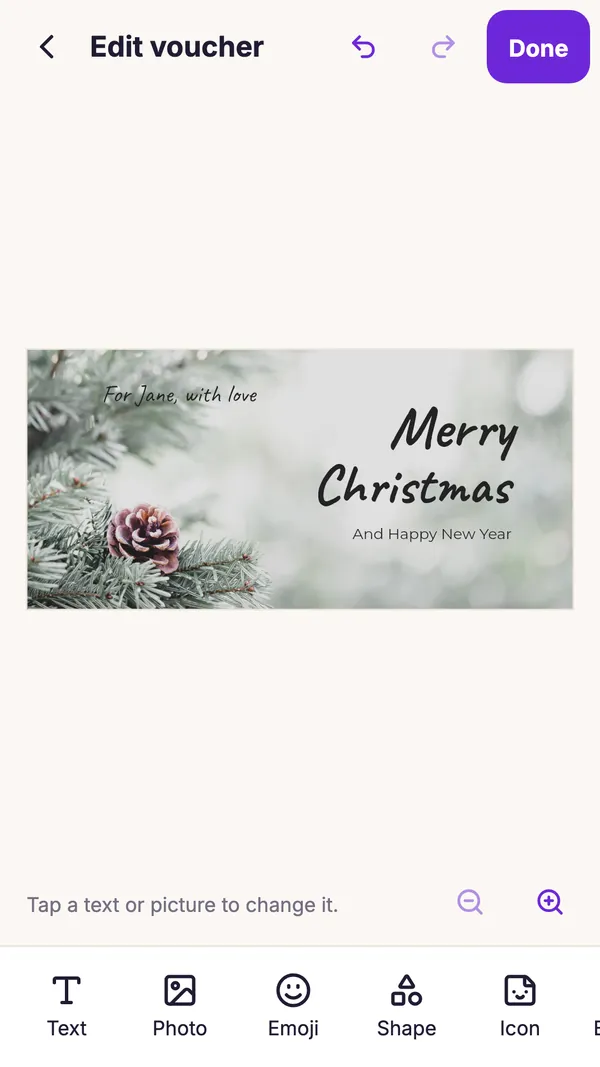
Edit a voucher with your fingers -
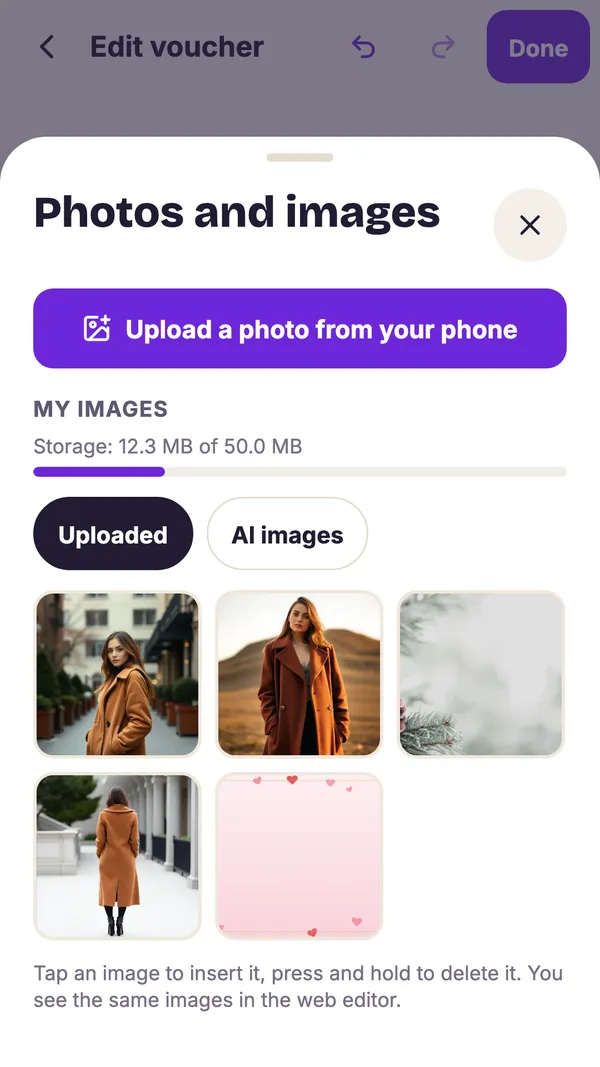
My images, shared with the web -
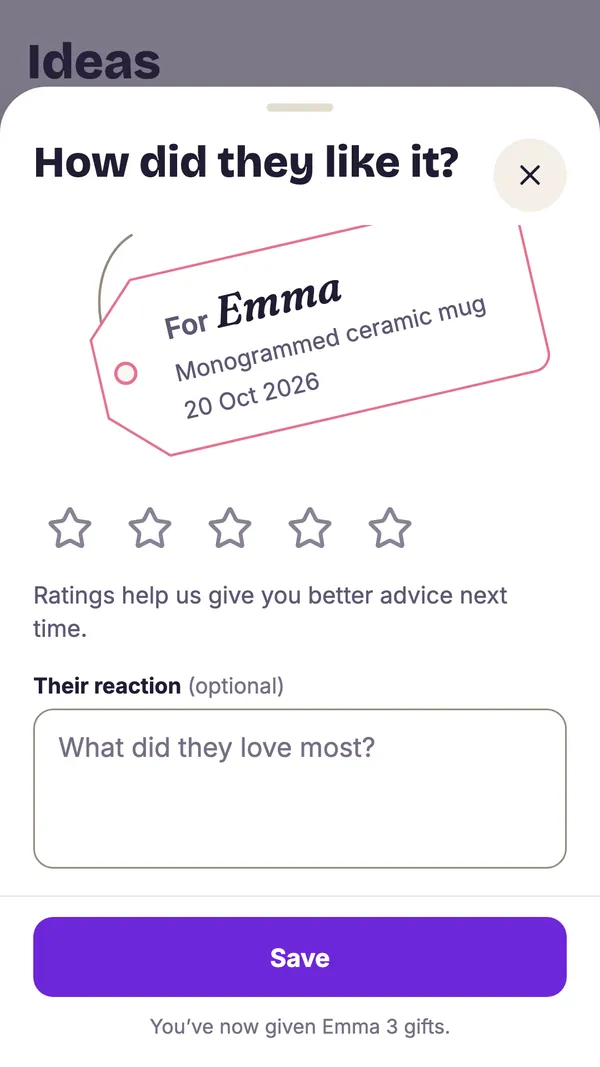
Given gifts stay in your history -
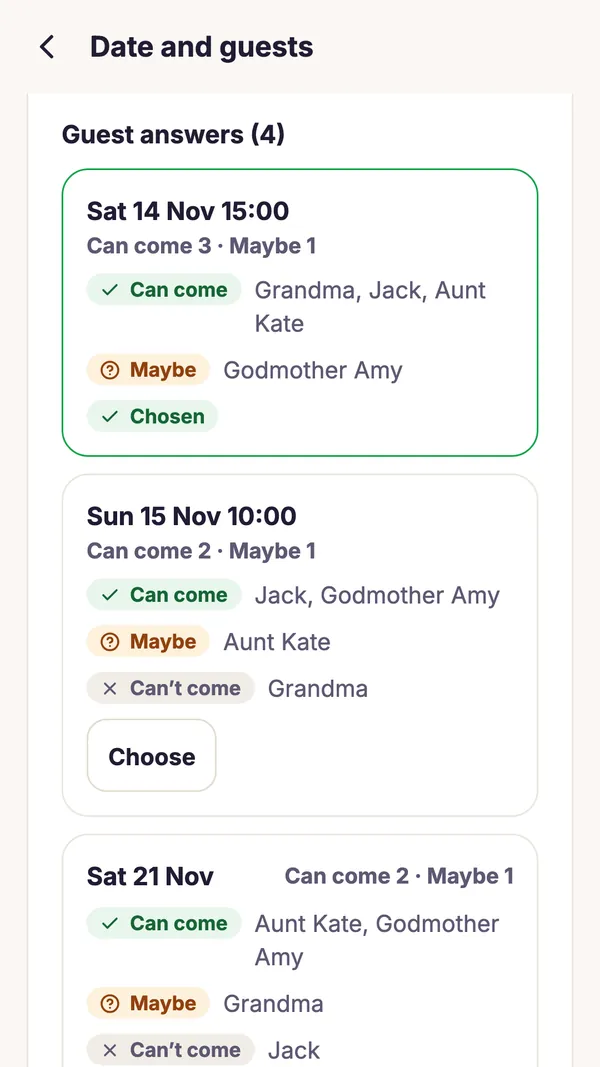
A celebration with a date that suits guests -
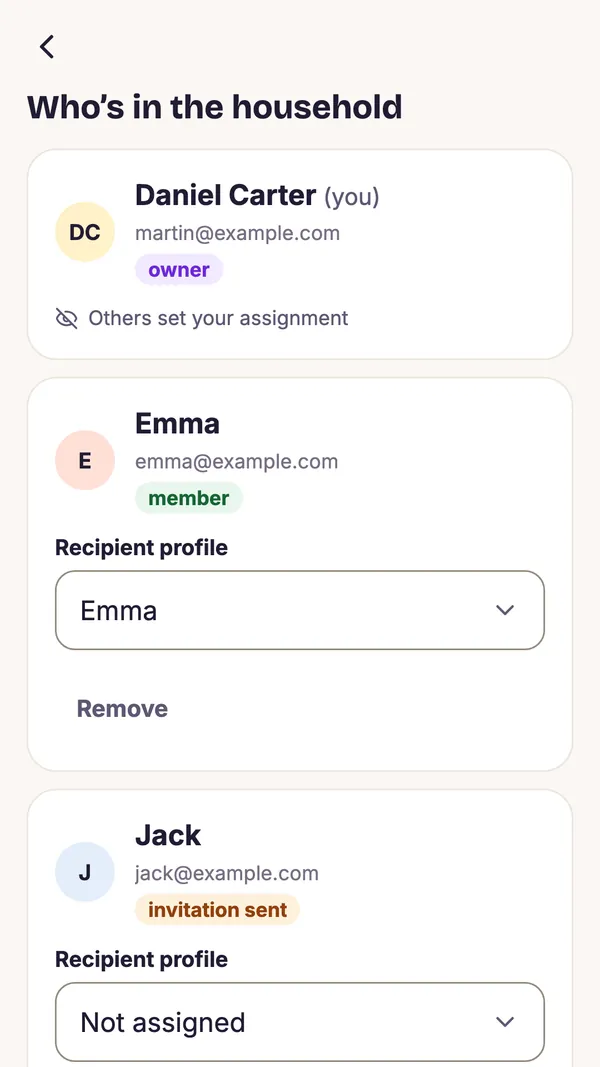
Household and surprise protection -
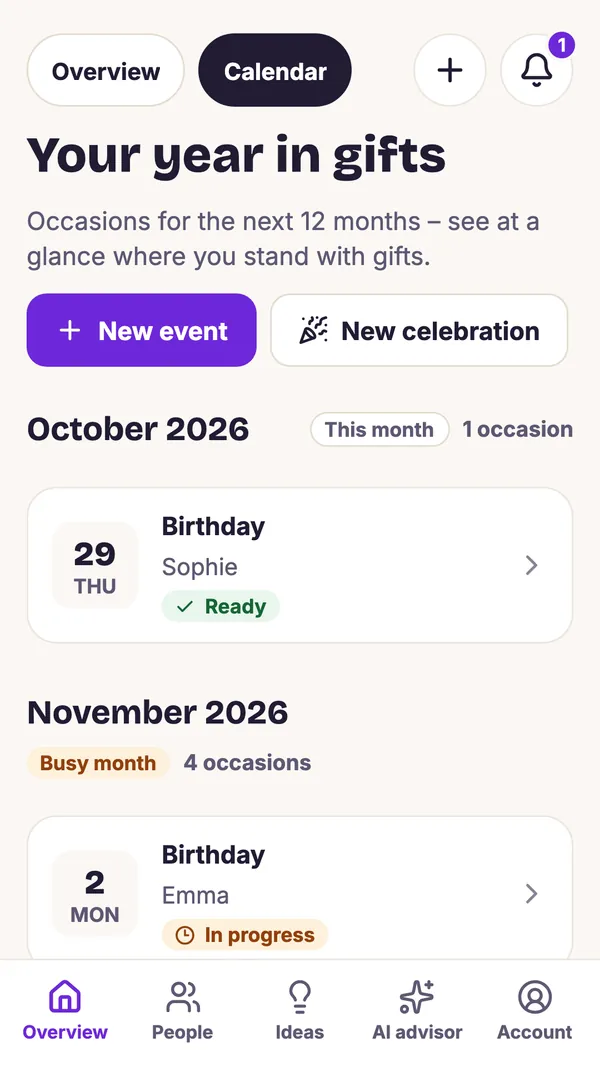
A whole year of gifts in the calendar
Gift vouchers right on your phone
The voucher editor in the app does the same as on the web, and the two stay in sync.
- More than 100 templates for birthdays, Christmas, weddings or just because
- Edit text, fonts, colours, photos, emoji, shapes and icons with your fingers
- My images: photos uploaded in the app or on the web are available in both
- With GiftWeGo Plus, your own templates and voucher drafts saved to your account
- Pay via Google Play, with credits or as part of GiftWeGo Plus
One account on the web and on your phone
The app is not an island – it works with the same data as the web.
The same data
People, events, ideas and gifts are shared between the app and the web. Sign in with email or your Google account.
Photos and templates
My images and My templates appear in the editor on your phone and on your computer. Storage is shared.
Chrome extension
An idea you save while shopping on your computer shows up in the app with the right person straight away.
Get started in a minute
Three steps and your important days are looked after on your phone.
-
Download the app
Open GiftWeGo on Google Play and tap Install.
-
Sign in
With email or your Google account. If you already use the web, your data is there right away.
-
Add your people
Enter who you give gifts to and the app keeps track of their birthdays, name days and anniversaries.
App FAQ
Price, the link with the web and privacy.
How much does the app cost?
Downloading and basic use are free, and AI ideas are included every month. GiftWeGo Plus offers more – in the app you buy it via Google Play for a year or, new, for life. Prices are on the pricing page.
Does the app connect to my account on the web?
Yes, it is the same account. People, ideas, gifts, My images and My templates appear in the app and on the web. Voucher drafts move between them with GiftWeGo Plus.
How do payments work in the app?
Only via Google Play – credits, GiftWeGo Plus and single gift vouchers. GiftWeGo Plus paid for on the web also works in the app.
Is there an iPhone app?
For now the app is Android only. On an iPhone you can use GiftWeGo in the browser – the website works well on mobile and uses the same account. Signing up is free.
Which devices does it run on?
Phones and tablets with Android 7.0 or later. The app is available in English, Czech, Slovak, German and French.
What data does the app need?
Only what you enter yourself. You pick photos with the system picker; the app does not ask for access to all your photos or to the camera. You can export your data and delete your account in the app or on the account deletion page. Details are in the privacy policy.
Keep your gifts on track on your phone too
Get GiftWeGo on Google Play and sign in with your account.