Gift Voucher Word & PDF Template Free Download
Download free professional gift voucher templates in Word (.docx) and PDF format. Or create an even better voucher online in our editor in just a few minutes!
- Word editable template
- PDF ready to print
- 100% free
Choose your template format
Download gift voucher template word or PDF for free. All templates are fully editable.
Word Template (.docx)
Editable template for Microsoft Word. Perfect if you want to customize texts, fonts, and colors in a familiar environment.
- Fully editable in MS Word
- Change texts, fonts, and colors
- Compatible with Google Docs
- Ready for printing
PDF Template
Ready-to-use PDF template. Perfect for quick printing without editing.
- Ready to print
- Professional design
- Opens in any browser
- Perfect for quick use
Create a professional gift voucher online in a few minutes
Our online editor offers everything you need. No installation, no registration, free to design – you only pay to download the finished voucher.
100+ professional templates
Birthdays, Christmas, wellness, wedding and more
1500+ fonts
Choose from over 1500 professional fonts
Pixabay photos
Choose from millions of photos in the Pixabay library
AI assistant
AI generates text and unique images for you
How to make a voucher – video
Word/PDF vs Online Editor
Why our online editor is a better choice than Word templates?
| Feature | Word/PDF Template | GiftWeGo Editor |
|---|---|---|
| Professional design | Limited | 100+ templates |
| AI text suggestions | No | Yes |
| AI image generation | No | Yes |
| Custom photos | Complex to insert | Pixabay photos + drag & drop |
| 150,000+ icons | No | Yes |
| QR code | Need external generator | Automatic |
| Export formats | Word/PDF only | PDF, PNG, print |
| No installation | MS Word required | All online |
| 1500+ fonts | No | Yes |
| Mobile editing | Difficult | Fully responsive |
| Business system | No | Yes |
How to create a gift voucher in Word
If you still prefer Word, here's a step-by-step guide:
-
Download template
Download our Word template above or create a new document in MS Word.
-
Edit texts
Fill in the gift name, recipient's name, voucher value, and validity.
-
Customize design
Change colors, fonts, and add your own images or logo.
-
Save and print
Save as PDF for professional look and print on quality paper.
Templates for every occasion
Our templates are ready for all popular occasions:
Christmas & winter
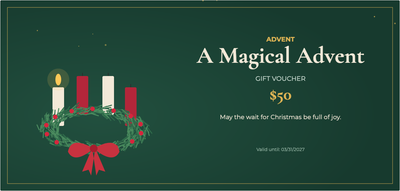
Classic, modern and wintry Christmas vouchers, plus Advent and St Nicholas designs.



Birthdays & celebrations
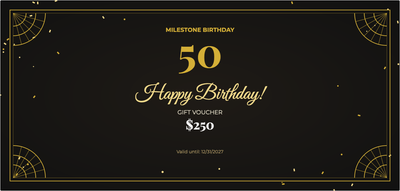
Birthdays, milestone birthdays, graduation, stag & hen parties and new babies.



For couples
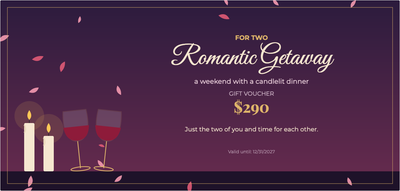
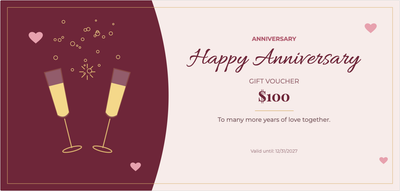
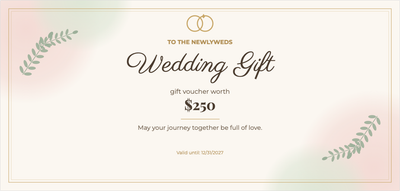
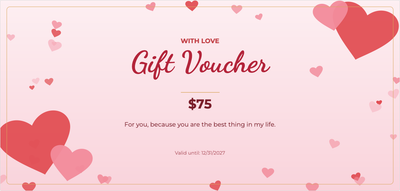
Valentine’s Day, anniversaries, wedding gifts and romantic getaways for two.
Wellness & beauty
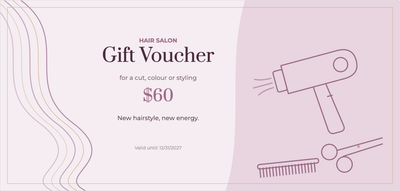
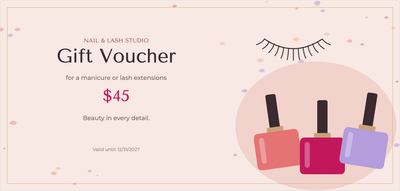
Massage, beauty treatments, hair salon, nails, yoga and spa stays.

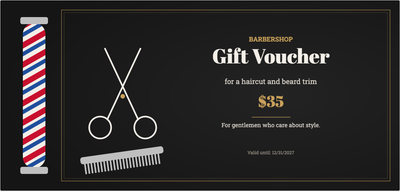
Food & drink
Restaurant, café, beer, wine, sushi, pizza and patisserie.
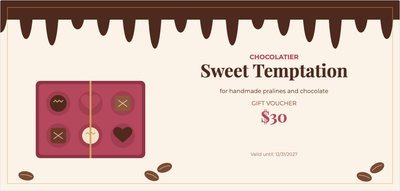
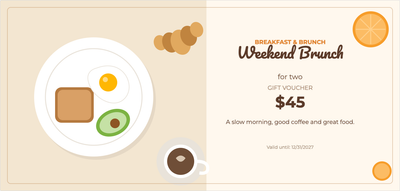
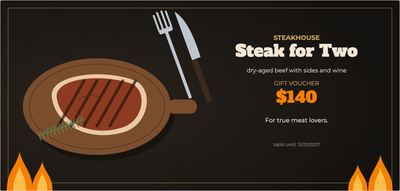

Experiences
Balloon flight, supercar drive, escape room, concert, cinema and theatre.




For kids
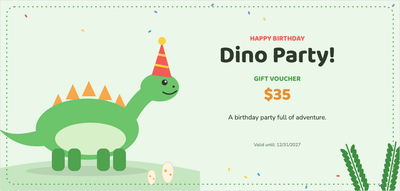
Kids’ birthdays, Children’s Day, waterpark, zoo and lots of fun.



For business
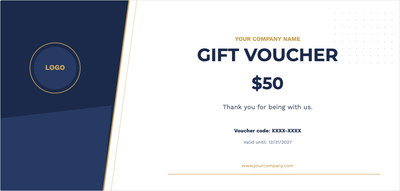
Universal company vouchers with your logo and Christmas thank-yous for clients.

Why GiftWeGo instead of Word?
Faster than Word
Just edit a ready-made template – no fiddling with layouts in Word
Better design
Professional templates from designers, not amateur Word docs
AI helps
AI writes text, creates images based on your description
Anywhere
Works on mobile, tablet, and desktop without installation
Frequently Asked Questions
How to download gift voucher template word for free?
Simply click the 'Download Word Template' button above. The file will download automatically and you can open it in Microsoft Word or Google Docs immediately.
Is the gift voucher template really free?
Yes, all our Word and PDF templates are completely free. No registration, no hidden fees.
How to create a gift voucher in word step by step?
Download our template, open it in Word, edit texts (name, value, texts), customize colors and fonts, and save or print directly. Or use our online editor where you can do it faster with better results.
What's the difference between Word template and online editor?
Word template requires Microsoft Word and more time to edit. Our online editor offers 100+ professional templates, AI assistant, Pixabay photos, 1500+ fonts and you can create a voucher in a few minutes without installation.
Can I print the gift voucher at home?
Yes, we recommend saving the document as PDF and printing on quality paper (ideally 200-300 g/m²) for professional look.
Does the template work in Google Docs?
Yes, our Word templates (.docx) are compatible with Google Docs. Just upload the file to Google Drive and open in Google Docs.
Ready to create the perfect gift voucher?
Download a template or create a professional voucher online in a few minutes
100% free • No registration • Instant download